
An AI agent that answers your customers
WhatsApp, Instagram, Messenger, Telegram, email and web chat in one inbox, with a CRM and workflows built in.
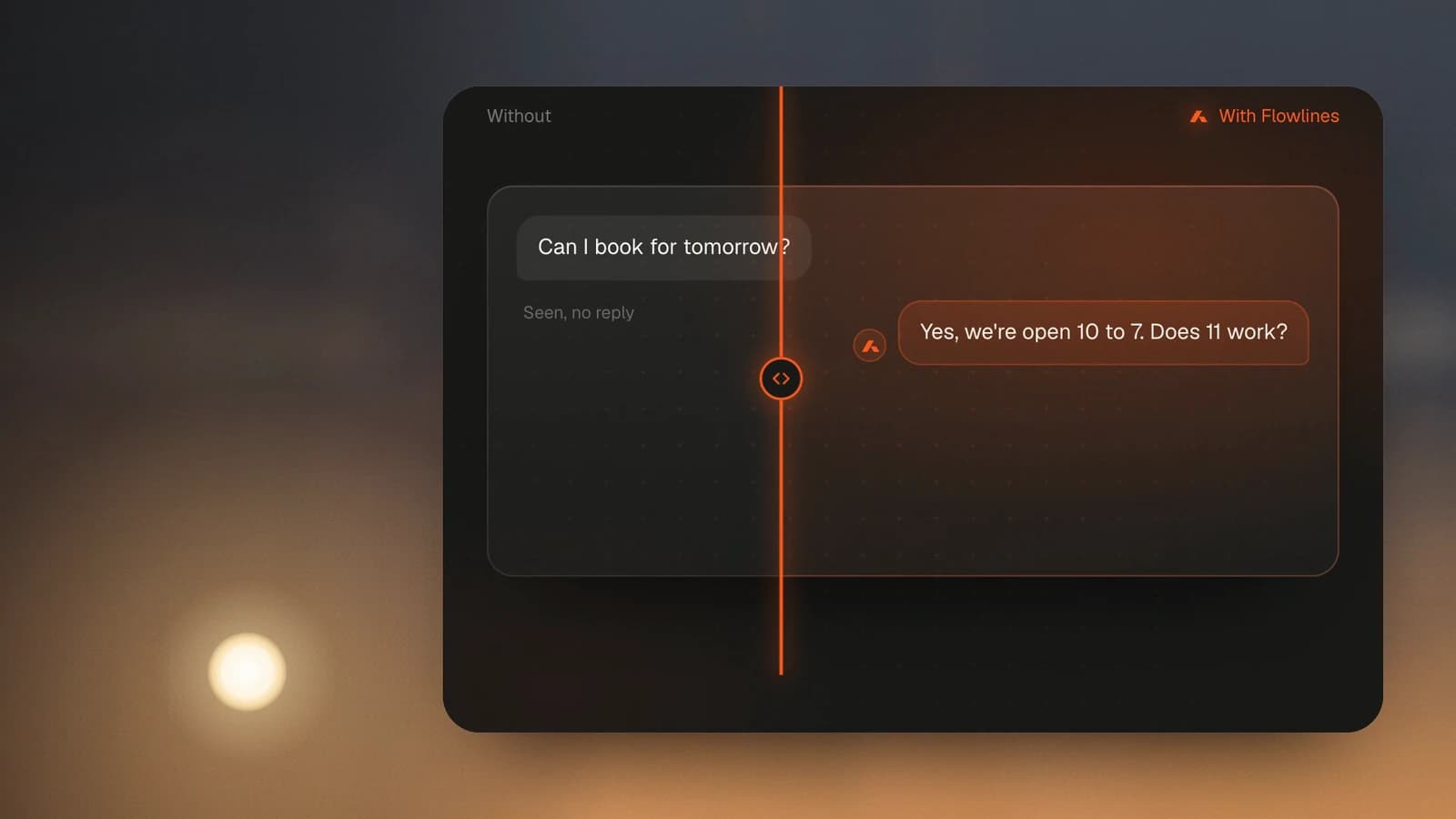
Works with the channels and tools you already use
- Messenger
- Telegram
- Web chat
- Shopify
- Facebook Lead Ads
- Meta
- Google Analytics
From the first message to the follow-up
A customer writes on WhatsApp after you close. Here is what happens next.
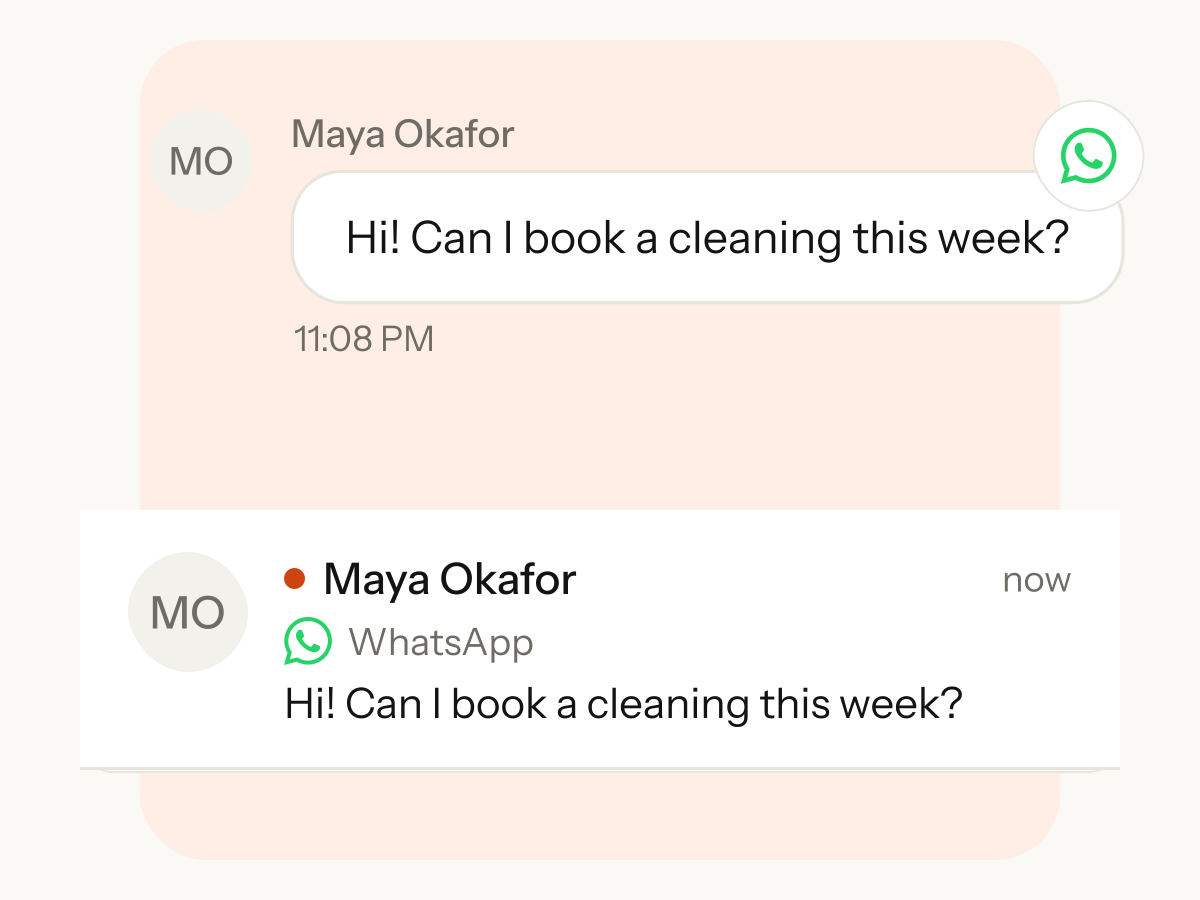
A message arrives
A customer writes on WhatsApp. Customers can also write on Instagram, Messenger, Telegram, email or web chat, and every message lands in one shared inbox.
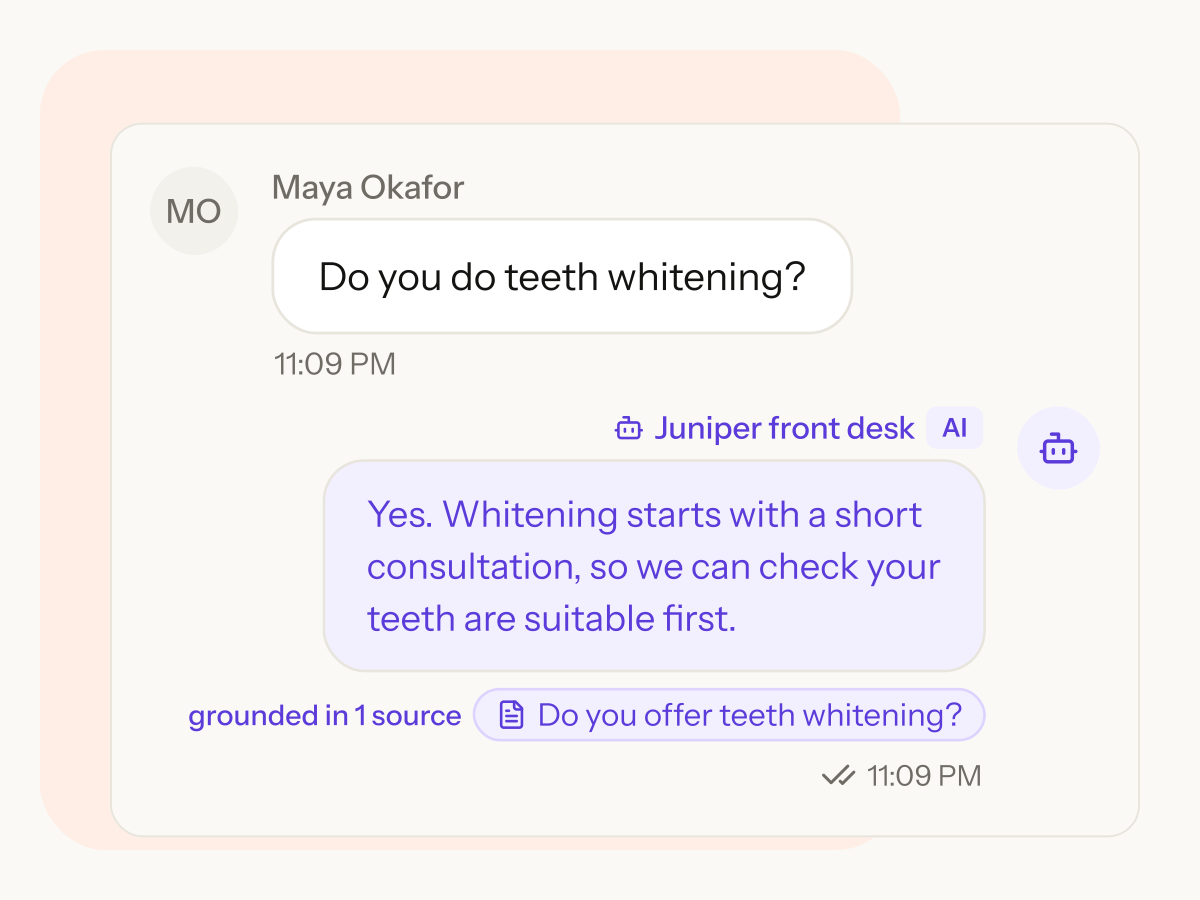
The AI agent answers from your business knowledge
You add your documents, answers and website. The agent replies from them and follows your instructions.
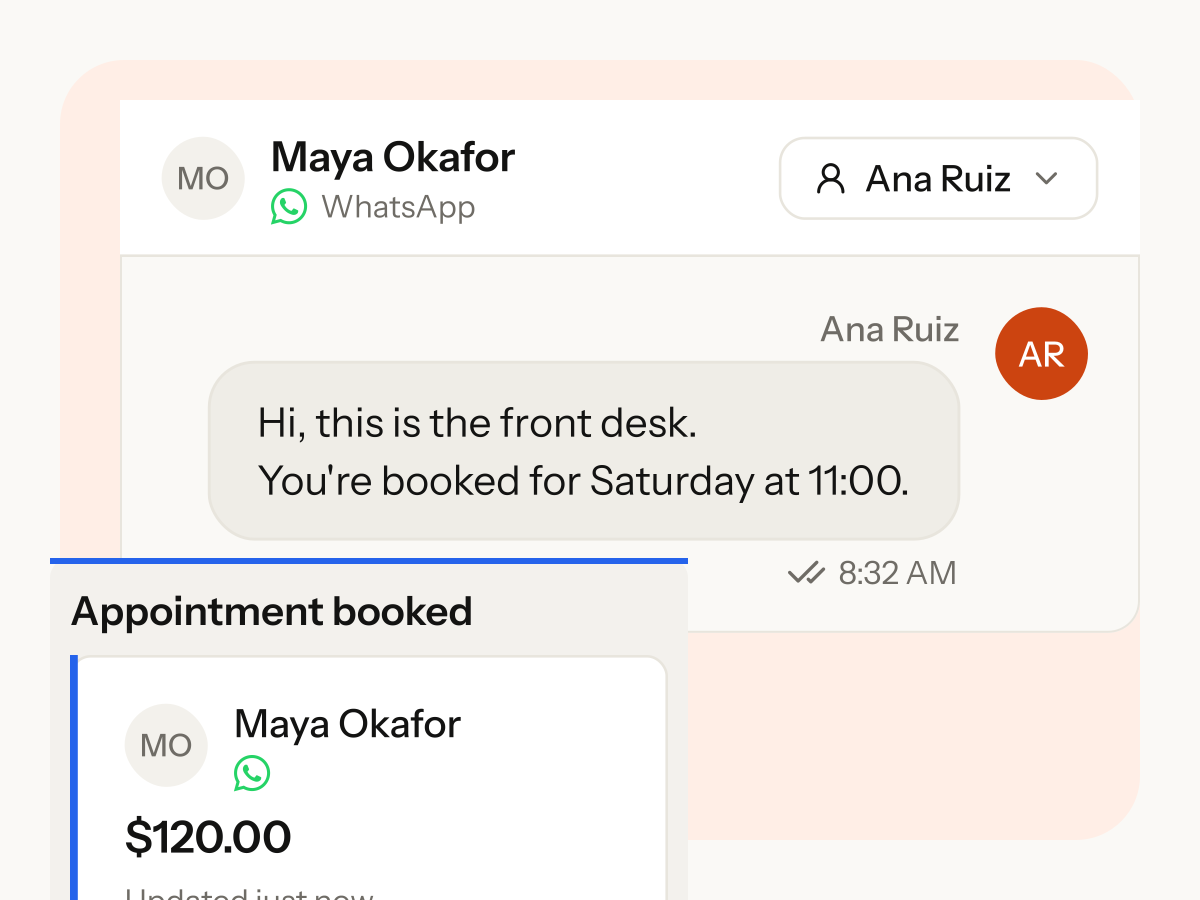
Your team follows up
The agent brings in a person when your rules say so. The lead keeps its source and sits in your pipeline.


Closed for the night, still answering
Nobody on the team was awake. The agent answered every message through the night.
11:08 pm
WhatsAppCan I book a cleaning this week?
AI agentWe have Saturday openings, 9am to 1pm. Which time suits you?
1:40 am
InstagramDo you accept card payments?
AI agentYes, you can pay by card. I can send you the details.
6:15 am
Web chatHow do I book a first visit?
AI agentTell me which day suits you and I will pass your request to the team.
Everything around the conversation
By morning, the answer is only the start. Your team picks up from there.
Follow-ups that run themselves
Start a workflow when a lead is created and create a task for your team.

One shared inbox
Assign to a teammate and filter by owner, status and channel.
You set the limits
The agent acts on its own or waits for your approval.
Broadcasts
Send approved WhatsApp templates to saved segments.
Forms
Build forms that create contacts and start workflows.
Test first
Test answers before you switch the agent on.
Every contact in one place
Add custom fields and keep tasks on contacts and deals.
One workspace for the whole customer journey
Everything after the first answer lives in the same workspace.
One shared inbox for your team
- Assign to a teammate and filter by owner, status and channel.
- Snooze, prioritise and close.
- Internal notes the customer never sees.

An agent that answers from your business knowledge
- Add documents, questions and answers.
- Follows your instructions and rules.
- Test answers before you switch the agent on.

Follow-ups that run themselves
- Start a workflow from a new message, form submission or new lead.
- Create a task for your team.
- See what every run did, step by step.
Every contact in one place
- Add custom fields to contacts and leads.
- Keep tasks on contacts and deals.
- Save segments and track opt-ins.

Every channel in one inbox
Your team and the AI agent reply from the same place, with the contact's deals, tags and history beside every chat.
- Messenger
- Telegram
- Web chat

Built around how your industry works
Pick your industry to see how it works there.

Clinics
An agent answers routine patient questions, books and reschedules appointments and sends reminders, and passes anything clinical to your staff.
Learn more
Real Estate
AI qualifies buyers by budget and area, books viewings and routes hot leads to the right agent.
Learn more
Education & Coaching
An agent turns course enquiries into booked counselling calls and follows up with every student through the admission season.
Learn more
Banquet Halls & Venues
An agent replies to wedding and event enquiries, collects the date and guest count and books the site visit.
Learn more
Interior Design
An agent answers design enquiries, qualifies scope and budget and books the design consultation.
Learn more
Salons, Spas & Beauty
An agent answers price and timing questions, takes appointment requests, reminds clients before they come in and invites regulars back.
Learn more
Gyms & Fitness Studios
An agent answers membership and class questions, takes trial requests and helps your team follow up on trials and renewals.
Learn more
Restaurants & Cafés
An agent answers menu and delivery-area questions, takes table and catering requests for your team to confirm, and asks guests for feedback.
Learn more
Questions before you start
Can I change plans later?
Yes, upgrade or downgrade at any time from your billing page. The change is prorated: you pay, or are credited, the difference for the rest of the billing period.
Can I cancel?
Yes, from your billing page. Your plan stays active until the end of the period you've paid for, then the workspace moves to the Free plan. You can undo the cancellation before then.
Can I see a demo first?
Yes. Email the sales team or use the form with “A demo or a sales question”, and tell us your industry and the channels you use, so the walkthrough matches your business. Contact us
Can you set Flowlines up for us?
Yes. We help load your documents and FAQs, connect WhatsApp, Instagram and your other channels, and build your first follow-up workflows.