
Fill your appointment book without tying up the front desk
Answer routine patient questions on WhatsApp, Instagram and your website, within rules you set, and free up the front desk.
No website? Get started without one


A patient writes after closing time
Messages pile up at the front desk
Patients ask the same things about hours, fees and directions, and wait for an answer while your staff are with someone else.
The agent answers, your team steps in
It answers from your business knowledge and brings in a person on the topics you choose, with the history and an AI summary.

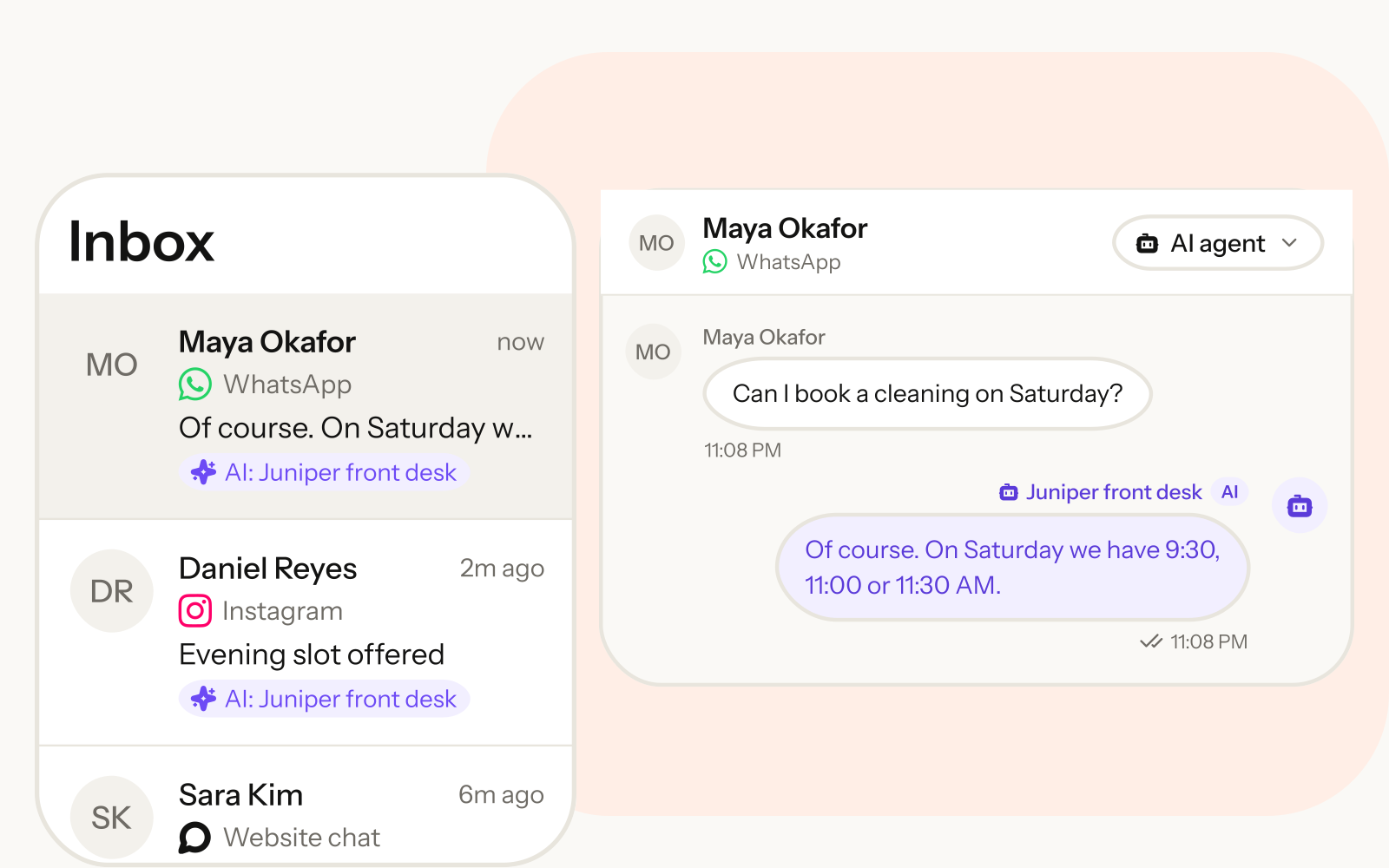
A patient asks, the agent answers and books
Here is how the agent answers a question like this. The conversation stays in the shared inbox, so your team can read it any time.

- Answers from your business knowledge
- Offers open slots on your calendar
- Stays off the topics you block
A day at a clinic
Put together, this is a day at the clinic. From the first message at night to the reminder an hour before, the agent keeps the front desk moving within the rules you set.

Ready on day one for clinics
And this is what your own workspace starts with. Pick this industry at sign-up and your workspace starts with this set. Each one starts off — you switch it on.
An AI agent
Clinic front desk
Automations
8 automations, each starting switched off
Forms and drafts
5 forms and 7 WhatsApp drafts you send to Meta for review
Pipeline and replies
The Patients pipeline and 19 quick replies
Questions clinics ask
What is set up for me when I sign up?
A starting set for patients: an agent, automations such as reminders and follow-ups (each one starts switched off until you turn it on), enquiry forms, WhatsApp message drafts you send to Meta for approval, quick replies for your team and a pipeline. Everything is editable.
How much does Flowlines cost?
Plans, and what each one includes, are on our pricing page. See pricing
Will the agent give medical advice?
Not if you tell it not to, and you should. Flowlines has no built-in medical filter: you write the agent's instructions and the topics it must not discuss, and it hands those conversations to your staff.
Which calendar does it book on?
Cal.com. Connect your Cal.com account and the agent offers real open slots, books, reschedules and cancels.
Should patient records live in Flowlines?
No. Flowlines is built for enquiries, appointments and reminders, not clinical records. Keep medical records in your clinic system, and talk to us about data handling before sharing health information in chats.
Can you set it up for us?
Yes. Ask us on the contact page and we will help load your clinic details, write the agent's rules with you, connect your calendar and set up reminders. Contact us
Also see
Where to go next.
Appointment booking
Turn on Meetings and connect Cal.com, and the agent books appointments in the chat instead of sending links.
Read more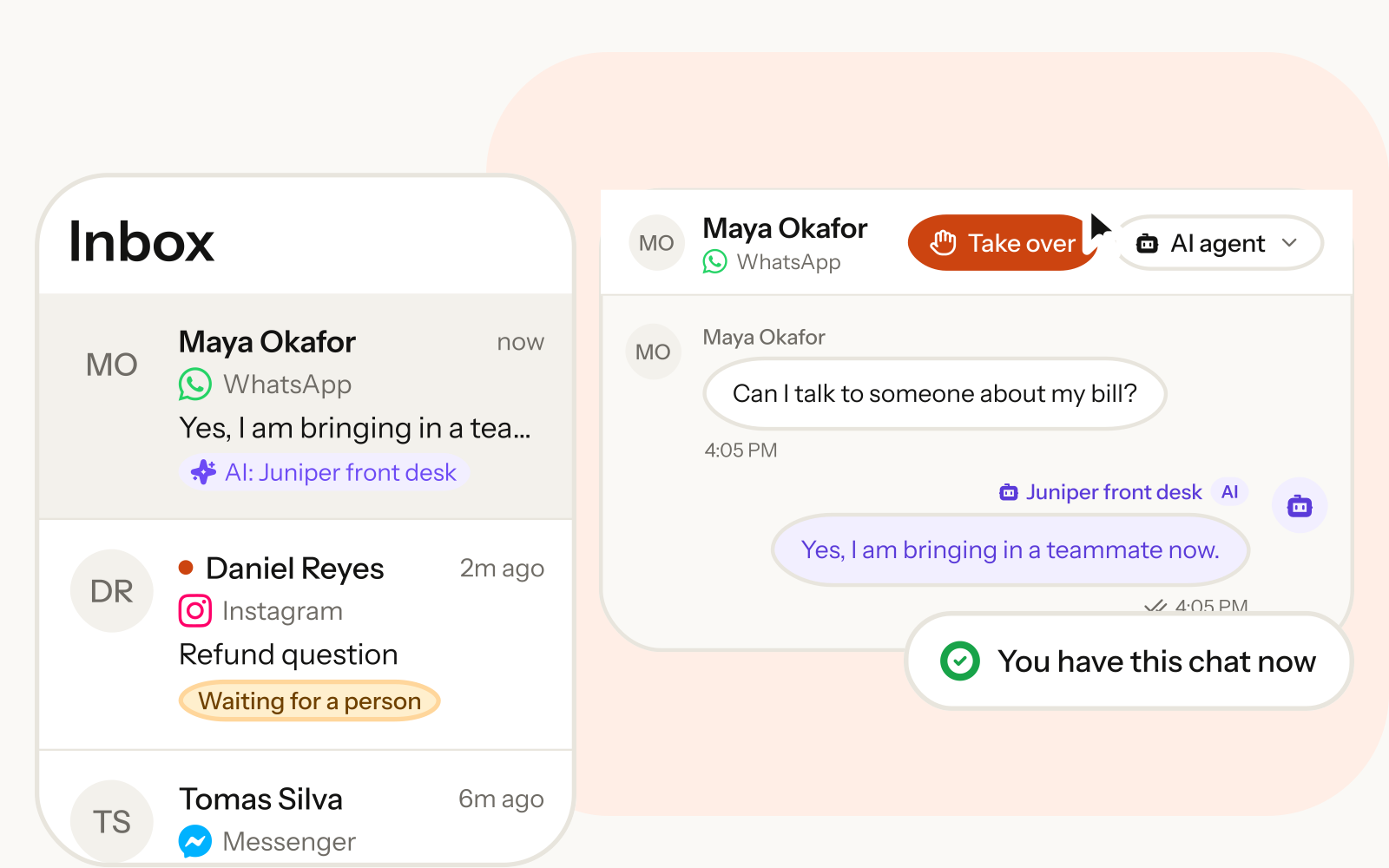
Shared team inbox
WhatsApp, Instagram, Messenger, Telegram, email and web chat arrive in one inbox your whole team shares.
Read more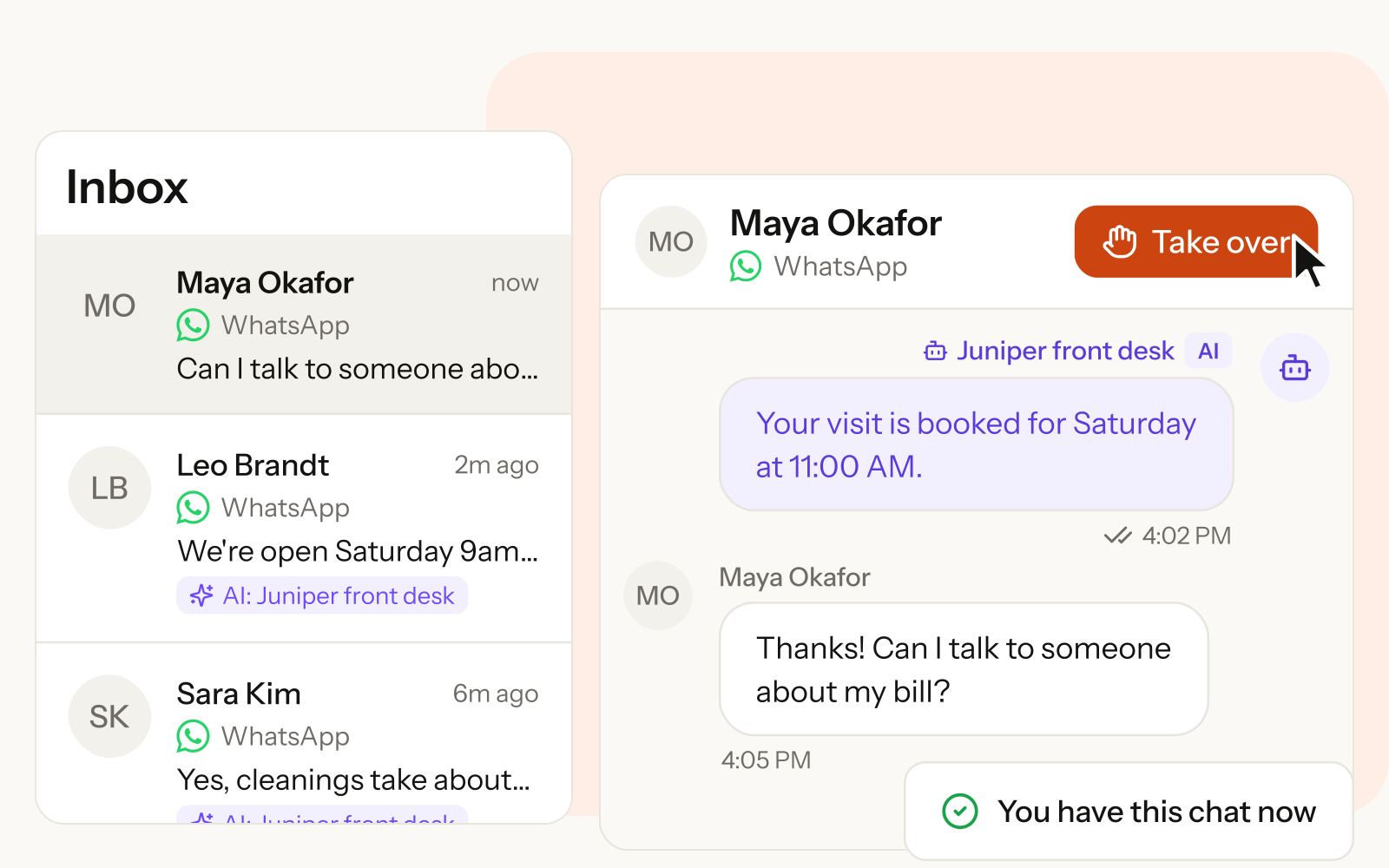
WhatsApp AI agent
Answer customers on WhatsApp straight away, from your own business knowledge, and bring in your team when it matters.
Read more
Start with a free workspace
Start with a 14-day Pro trial. No credit card required.